SEO Analytics and Reporting: Track & Measure Your Results
Master seo analytics and reporting to track rankings, traffic, and ROI. Learn which metrics matter and how to turn data into smarter optimization decisions.

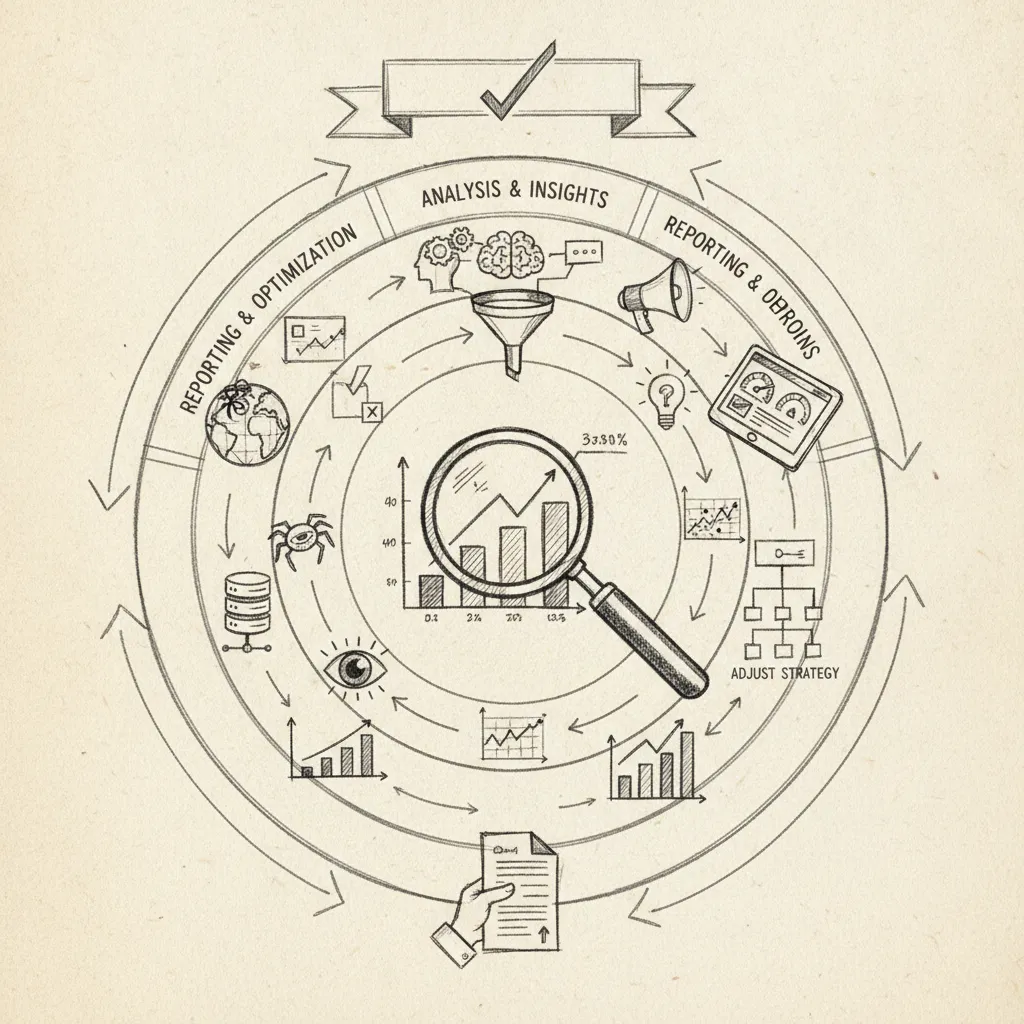
SEO analytics and reporting is the practice of collecting, measuring, and interpreting data about your website's search performance to make smarter optimization decisions. It covers metrics like organic traffic, keyword rankings, click-through rates, and conversions, turning raw numbers into actions that grow your visibility. Done right, it shows you exactly where to focus, what's working, and how to prove SEO's dollar value to stakeholders.
What Is SEO Analytics and Reporting, and Why Does It Matter?
SEO analytics is the systematic collection and interpretation of search performance data, rankings, traffic, crawl health, backlinks, and conversions, to guide optimization decisions.
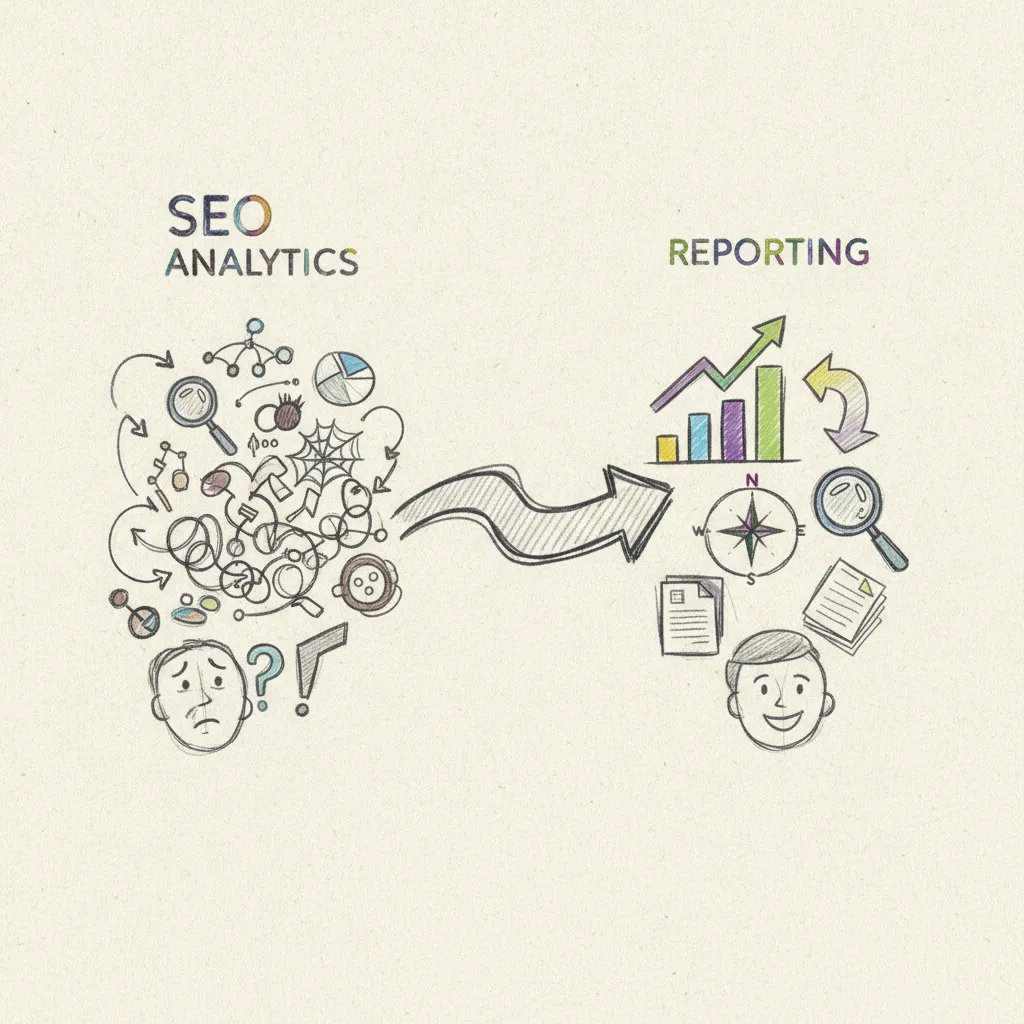
SEO reporting is a distinct activity: it takes those findings and communicates them to stakeholders in a format they can act on. Analytics answers "what is happening and why?" Reporting answers "what should we do next, and how do we justify the investment?" Conflating the two leads to dashboards that inform no one and decisions that get deferred.
The business case for staying close to your data is concrete. Companies that regularly review SEO data are significantly more likely to see year-over-year organic traffic growth than those that configure their tools once and walk away [2]. Search performance shifts constantly, algorithm updates, competitor moves, and crawl errors don't wait for your quarterly review.
According to Search Engine Journal, organizations that build structured SEO analytics and reporting workflows consistently outperform those relying on ad hoc data reviews, particularly when it comes to identifying and acting on technical issues before they erode rankings.
"You can't improve what you don't measure. The teams that win at SEO are the ones that have built a repeatable reporting cadence — weekly pulse checks, monthly deep dives, and quarterly strategic reviews tied directly to business outcomes." — Lily Ray, Senior Director of SEO & Head of Organic Research at Amsive Digital
The 5 types of SEO analysis that actually move the needle
Not all analysis produces equal returns. The five types that consistently drive decisions are:
- Keyword performance analysis, which queries send traffic, at what ranking position, and with what click-through rate
- Technical health analysis, crawl errors, page speed, indexation gaps, and structured data validity
- Backlink profile analysis, link authority, referring domain growth, and toxic link exposure
- Content gap analysis, topics your audience searches for that your site doesn't yet cover
- Competitor benchmarking, how rivals rank, what content they publish, and where their authority comes from [2]
Common SEO reporting mistakes to avoid from day one
The most damaging mistake teams make is tracking vanity metrics, raw impressions, total indexed pages, instead of revenue-tied KPIs like assisted conversions, cost-per-click savings, or leads attributed to organic search.
A report showing 500,000 impressions means nothing to a CFO. A report showing that organic search generated 340 qualified leads at a $12 cost-per-acquisition, versus $67 for paid, makes the budget conversation straightforward. Build your SEO analytics and reporting framework around the numbers that connect directly to revenue from the start.
How to Identify and Act on SEO Opportunities Using the Right Data
Spotting SEO opportunities starts with three inputs: your current rankings, your click-through rates, and your organic traffic by page.
How to Get Started with SEO Analytics as a Beginner
The fastest path into SEO analytics and reporting for most businesses follows a four-step sequence. Set up Google Search Console, connect Google Analytics 4, pull your top 10 landing pages by organic sessions, then check each page's average position and CTR. That single view surfaces more actionable data than most dashboards twice its size.
Once you have that data, look for pages sitting in positions 11–20, page 2 of Google results. These pages already have topical authority; they just need a content refresh or a few internal links from higher-traffic pages to break into the top 10. This is one of the highest-return moves in SEO because the ranking signal already exists.
Pay close attention to CTR alongside position. A keyword earning 10,000 impressions but only a 1.2% CTR is not a ranking problem, it's a title tag or meta description problem. Rewriting the title to match search intent more precisely can double clicks without touching the page's position at all. That's a concrete, one-hour fix with measurable results.
According to Moz, one of the most authoritative voices in the SEO industry, aligning title tags with precise search intent is among the highest-leverage on-page optimizations available to practitioners at any skill level.
What the 80/20 Rule Teaches You About Prioritizing SEO Opportunities
Roughly 20% of your pages and keywords drive 80% of your organic traffic [2]. Identify those pages first and protect them, monitor their rankings weekly and update their content before it decays, before spending resources on new ground.
Every analytics review should end with a prioritized action list: three to five specific tasks ranked by estimated traffic impact. Data without a decision attached to it is just noise. A weekly SEO analytics and reporting habit that produces no action list produces no results.
"The biggest mistake I see in SEO reporting is presenting data without context. A ranking drop means nothing unless you can explain whether it was caused by an algorithm update, a technical issue, or a competitor gaining new backlinks. Context is what turns a report into a roadmap." — Aleyda Solis, International SEO Consultant and Founder at Orainti
Which SEO Analytics Tools to Use and How They Compare
The right SEO analytics stack depends on your budget and scale: free tools cover the basics, mid-market platforms add competitor data, and enterprise tools handle 10,000+ pages.
How seoClarity, Google Analytics 4, and Semrush stack up on features and pricing
Three tiers define the SEO analytics and reporting market, each with a distinct price point and purpose.
Free foundation tools, $0: Google Analytics 4 (GA4) tracks on-site behavior, session data, and conversion events. Google Search Console shows impressions, clicks, and average position for every URL you own. Together they give any business a working analytics foundation at no cost.
Mid-market all-in-one platforms, from ~$139/month: Semrush adds the layer GA4 and Search Console can't provide: competitor keyword gap analysis, backlink audits, and content opportunity reports. It's the right move when you need to understand why a competitor outranks you on a specific term.
Enterprise platforms, custom pricing, typically $3,000+/month [1]: seoClarity is built for large-scale rank tracking and automated reporting across millions of pages. It targets enterprise SEO teams managing complex site architectures, not SMBs running a Shopify store or a 20-page B2B site.
The practical recommendation for most SMBs: start with GA4 and Search Console, add Semrush when you need competitor data, and only evaluate enterprise tools once you're managing 10,000 or more pages. The W3C web standards documentation also provides useful guidance on structured data implementation, which directly affects how your pages are parsed and reported in SEO analytics tools.
The best technical setup for connecting Google Analytics 4 to your SEO workflow
Link GA4 to Search Console inside GA4's property settings under Product Links → Search Console Links. Once connected, a "Search Console" report appears in GA4 under Acquisition, showing query-level data alongside on-site behavior.
Create an Organic Search segment to isolate SEO traffic from paid and direct channels, this keeps your SEO performance data clean when you're building reports or sharing results with stakeholders.
One limitation to flag: GA4 alone does not show keyword-level data by default. Without the Search Console integration, or a third-party tool like Semrush, you'll see organic sessions but not which queries drove them. That blind spot makes the integration non-optional for any serious SEO workflow.
How to Integrate SEO Analytics with Your Full Marketing Strategy
SEO analytics delivers its highest value when connected to PPC, social, and email data, not reported in isolation from the rest of your marketing.
How to connect SEO analytics with PPC, social, and email for a complete picture
Start with UTM parameters on every non-organic link, paid ads, email campaigns, social posts, and use GA4's channel groupings to pull organic, paid, social, and email traffic into a single dashboard. That single view makes it possible to compare cost-per-acquisition across channels in the same report, not across four separate tools.
Overlaying SEO and PPC data surfaces an immediate cost-saving insight: keywords where you're paying for clicks you already rank for organically. Cutting paid spend on those terms, or shifting budget to keywords where organic rankings are weak, can reduce wasted ad spend without sacrificing visibility.
Email and social data also feed directly into SEO content decisions. A blog topic that drove a 40% open rate in your last newsletter, or a product post that outperformed your social average by 3x, tells you what your audience already wants to read. That signal cuts keyword research guesswork in half.
Run a monthly cross-channel review where SEO, PPC, and social leads are assessed together. The goal is simple: identify which channel delivered the lowest cost-per-acquisition that month and shift budget toward it.
Is SEO evolving in 2026, and how should that shape your analytics strategy?
AI-generated answers from ChatGPT, Gemini, and Perplexity are reducing click-through rates on informational queries, which means your SEO analytics and reporting framework must now track more than keyword rankings.
Brand mention frequency and AI citation tracking, measuring how often your business appears in AI-generated responses, are becoming standard metrics alongside traditional rank data. Tools like Moonrank monitor exactly this: how your brand surfaces across ChatGPT, Claude, Gemini, and Perplexity, giving you a visibility signal that Google Search Console alone cannot provide.
If your analytics strategy still treats a first-page ranking as the finish line, it's measuring a race that has already changed course.
What Metrics Prove the Real ROI of Your SEO Efforts
Three metrics convince stakeholders that SEO delivers financial value: organic revenue (or leads generated), cost-per-acquisition from organic versus paid, and the equivalent PPC spend your organic traffic replaces.
Rankings alone tell executives nothing. A keyword sitting at position one means little if it attracts visitors who never convert. Every SEO analytics and reporting workflow should tie ranking data directly to on-site behavior, bounce rate, pages per session, and goal completions, before presenting any ROI figure.
What real before-and-after case studies show about SEO reporting ROI
A practical case study structure runs like this: a site moves 15 target keywords from page 2 to page 1 over 90 days. Organic sessions increase 40%. Because those keywords now rank organically, the paid search budget allocated to the same terms drops measurably, the same traffic arrives at zero incremental cost.
That paid search reduction is the number that lands in a boardroom. To calculate it, take your monthly organic clicks for a keyword set, multiply by the average CPC for those terms in Google Ads, and present the total as the media value SEO is delivering for free. A site generating 8,000 monthly organic clicks on keywords averaging $3.50 CPC is replacing $28,000 in monthly ad spend.
How to build a reporting framework that convinces stakeholders
A one-page monthly summary keeps executives engaged without burying them in data. Structure it in three sections: what changed (rankings and traffic movement), why it changed (specific actions taken, content published, technical fixes deployed), and what it's worth (revenue attributed or lead volume with a cost comparison against paid channels).
This format works whether you manage reporting manually or use a tool like Moonrank, which tracks AI search visibility across ChatGPT, Gemini, Claude, and Perplexity and surfaces that data alongside traditional performance signals, giving SMBs a single view of what their content is actually worth across every search channel.
Frequently Asked Questions
How often should you produce an SEO analytics report?
Most teams benefit from a weekly pulse report for key metrics and a full monthly report for trend analysis and strategic decisions. Weekly reports catch ranking drops or traffic anomalies before they compound. Monthly reports give enough data to distinguish a genuine trend from normal fluctuation. Quarterly reviews are worth adding if you need to present SEO ROI to stakeholders or align with budget cycles.
What is the difference between SEO analytics and web analytics?
Web analytics measures all traffic to your site, direct, paid, social, and organic, while SEO analytics focuses specifically on how search engines discover, rank, and send visitors to your pages. A tool like Google Analytics is a web analytics platform; Google Search Console is an SEO analytics tool. You need both: one shows what users do after they arrive, the other shows how they found you through search.
Can small businesses do SEO analytics without paid tools?
Yes, Google Search Console and Google Analytics 4 are both free and cover the core metrics most small businesses need: impressions, clicks, average position, and on-site behavior. Paid platforms add depth (competitor data, bulk keyword tracking, backlink analysis), but they are not required to start. A consistent reporting habit with free tools beats an expensive subscription that goes unused.
How do you track SEO performance when AI search engines don't always send referral traffic?
AI search engines like ChatGPT, Gemini, and Perplexity frequently answer queries without generating a click, which means referral traffic alone understates your actual visibility. The practical fix is to track brand-name search volume in Google Search Console as a proxy for AI-driven awareness, run direct brand queries in each AI engine manually, and use a dedicated AI visibility monitoring tool. Moonrank, for example, tracks how your business appears in recommendations across ChatGPT, Claude, Perplexity, and Gemini daily, giving you a visibility signal that referral data alone cannot provide.
What is the best way to set KPIs for an SEO analytics and reporting program?
Start by aligning SEO KPIs directly with business objectives rather than search-specific vanity metrics. If the business goal is lead generation, your primary KPI should be organic-attributed leads, not total impressions. Secondary KPIs can include average ranking position for target keywords, organic click-through rate, and cost-per-acquisition compared to paid channels. Revisit and adjust your KPI set every quarter as your site grows and business priorities shift.

Conclusion
SEO analytics and reporting only produce results when the metrics you track connect directly to decisions you can act on. Three things matter most: choose a consistent set of KPIs before you build any report, separate organic search data from general web traffic so you see what search is actually doing, and extend your measurement beyond Google to include AI search engines, because ChatGPT, Gemini, Claude, and Perplexity are already influencing buying decisions without always generating a trackable click.
As a concrete next step, open Google Search Console today and filter your top 10 pages by impressions over the last 90 days. Identify any page with high impressions but a click-through rate below 3%, that gap is your first optimization target. If you want AI search visibility tracked automatically alongside that work, start a free trial at moonrank.ai.
Sources & References
- Real-Time SEO Reporting & Analytics | seoClarity
- SEO Analytics and Reporting: Top Tips and Tools for Startups
Recommended Articles
Explore more from our content library: